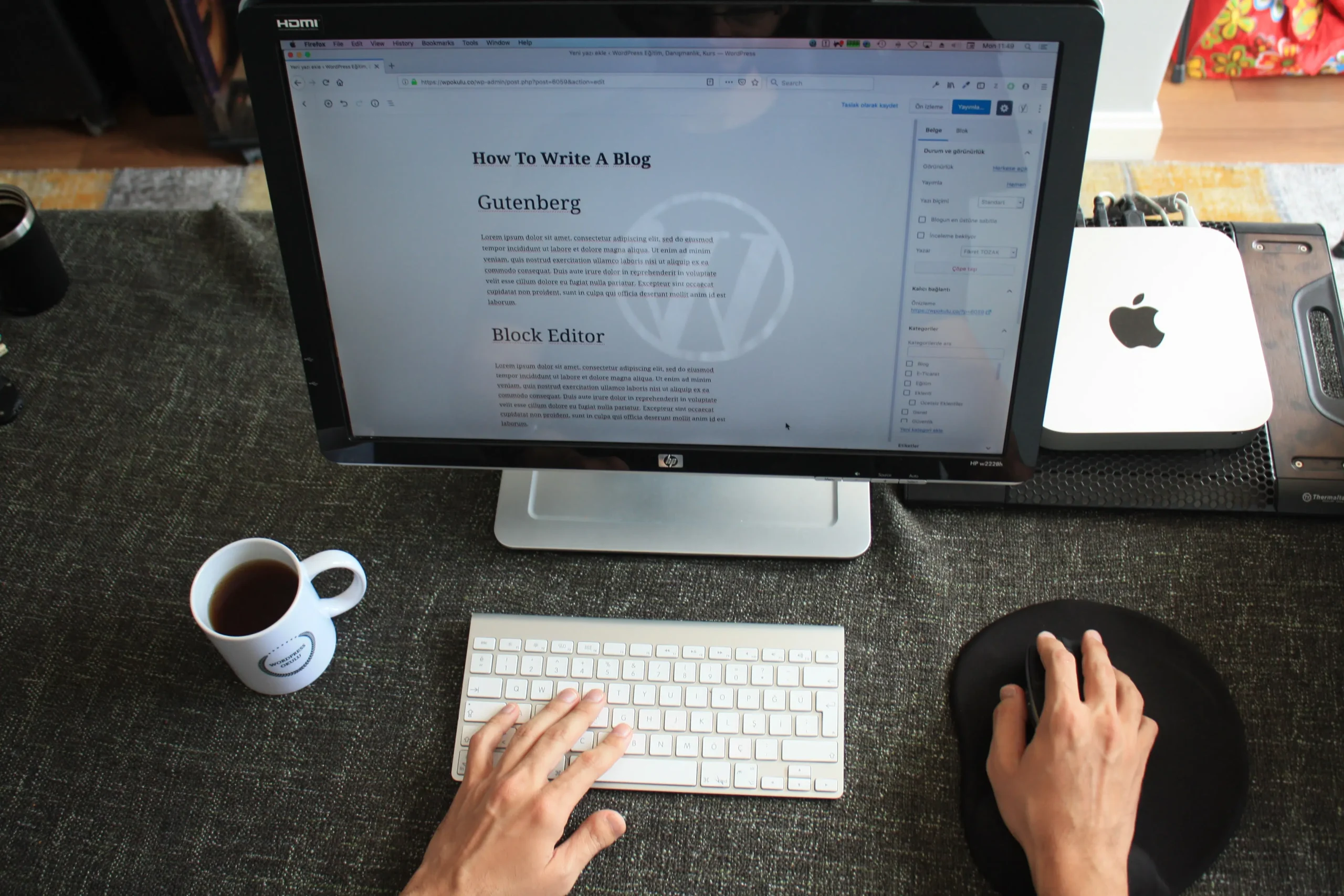

Office Administrative Computer Courses are designed to teach essential computer skills used in modern office environments. These courses are ideal for job seekers, office assistants, secretaries, data entry clerks, and anyone who wants to improve their administrative and digital productivity.
🎯 Key Objectives of the Course
- Learn how to operate office software (Word, Excel, PowerPoint)
- Understand basic computer functions and file management
- Manage emails and calendars efficiently
- Improve typing and data entry skills
- Learn basic IT troubleshooting
- Understand digital communication and online tools
- Office Administrative Computer Course

🧠 Topics Covered in Office Administrative Computer Course
| Module No. | Topic Name | Description |
|---|---|---|
| 1 | Introduction to Computers | Basic hardware, software, and file systems |
| 2 | Microsoft Word | Typing, formatting documents, mail merge, tables |
| 3 | Microsoft Excel | Spreadsheets, formulas, charts, data handling |
| 4 | Microsoft PowerPoint | Creating professional presentations |
| 5 | Email & Internet | Gmail, Outlook, attachments, browsing basics |
| 6 | File Management | Organizing, copying, compressing files & folders |
| 7 | Typing Practice | Touch typing techniques, accuracy, and speed |
| 8 | Office Equipment Handling | Printers, scanners, photocopiers |
| 9 | Data Entry and Formatting | Tables, forms, and record keeping |
| 10 | Basic Troubleshooting | Common errors and how to fix them |
🧭 Final Thoughts
The Office Administrative Computer Course is more than just a tech class—it’s a career transformation tool. Whether you’re starting out, restarting your career, or upgrading your skills, this course provides the confidence and competence you need to excel in any office role.
They also handle facility maintenance, support human resources by assisting with onboarding, and act as a central point of contact for staff and visitors. This role is crucial for ens
Office Administrative Computer Course
📌 Stand out in the job market. Learn the skills that offices need.
📅 Course Duration & Format

| Type | Details |
|---|---|
| Total Duration | 1 to 3 months (varies by institute) |
| Class Type | Online / Offline |
| Entry Requirement | Basic English and computer literacy |
| Certification | Yes (upon course completion) |
| Module | Topics Included | Real-World Use Cases |
|---|---|---|
| Computer Basics | OS navigation, desktop management, file types | Organizing files, installing software |
| Microsoft Word | Resume formatting, official letters, headers, templates | HR documents, reports, notices |
| Microsoft Excel | Formulas, data entry, sorting, charts, pivot tables | Billing, inventory tracking, budget planning |
| PowerPoint | Slide design, animations, templates | Team meetings, client proposals |
| Internet & Email | Safe browsing, composing emails, calendar integration | Professional communication and scheduling |
| File Handling | Folder structures, backups, cloud storage | Systematic data storage and retrieval |
| Typing & Shortcuts | Speed drills, keyboard commands | Faster task completion, accuracy |
| Office Equipment | Printer setup, scanner use, fax handling | Daily document handling |
| Data Management | Entry formats, validation, sorting, basic database handling | Customer data entry, CRM usage |
| Troubleshooting | Basic error solving, task manager, software reinstallations | Minimizing downtime, first-line tech support |
Transform Your Career with Expert-Level Office Skills and Overcome Unproductive Habits
📈 Importance of This Course for Career Growth
- Bridges the digital gap for non-tech-savvy professionals
- Offers a fast track to employment in office-based jobs
- Helps you compete in the modern job market
- Provides certification for formal skill validation
- Increases efficiency and independence in daily tasks
💡 Extra Tips for Students:The Office Administrative Computer Course is a practical, job-focused training program that gives you the skills needed to work efficiently in an office environment. Whether you’re starting your career or upgrading your resume, this course will help you become a confident and productive office professional.
| Tip | Benefit |
|---|---|
| Practice typing daily | Improves speed and accuracy |
| Use real office scenarios | Builds confidence for job roles |
| Save your work regularly | Prevents data loss |
| Watch tutorials | Reinforces classroom learning |
📚 What You’ll Learn — Expanded Curriculum Breakdown
| Module | Topics Included | Real-World Use Cases |
|---|---|---|
| Computer Basics | OS navigation, desktop management, file types | Organizing files, installing software |
| Microsoft Word | Resume formatting, official letters, headers, templates | HR documents, reports, notices |
| Microsoft Excel | Formulas, data entry, sorting, charts, pivot tables | Billing, inventory tracking, budget planning |
| PowerPoint | Slide design, animations, templates | Team meetings, client proposals |
| Internet & Email | Safe browsing, composing emails, calendar integration | Professional communication and scheduling |
| File Handling | Folder structures, backups, cloud storage | Systematic data storage and retrieval |
| Typing & Shortcuts | Speed drills, keyboard commands | Faster task completion, accuracy |
| Office Equipment | Printer setup, scanner use, fax handling | Daily document handling |
| Data Management | Entry formats, validation, sorting, basic database handling | Customer data entry, CRM usage |
| Troubleshooting | Basic error solving, task manager, software reinstallations | Minimizing downtime, first-line tech support |
✅ Conclusion
The Office Administrative Computer Course is a practical, job-focused training program that gives you the skills needed to work efficiently in an office environment. Whether you’re starting your career or upgrading your resume, this course will help you become a confident and productive office professional.
The Office Administrative Computer Course is a practical, job-focused training program that gives you the skills needed to work efficiently in an office environment. Whether you’re starting your career or upgrading your resume, this course will help you become a confident and productive office professional.
Don’t Get Left Behind: Essential Skills Every Office Worker Needs